Keep every story close.
Find a book by title, scan its cover, or add it by hand. Keep your progress, notes and ratings together in your library.
Keep your books close. Find a few quiet minutes. Turn a little reading into a habit that’s yours.
Meet LeaComing to the App Store. Start free, with an optional one-time Pro upgrade.
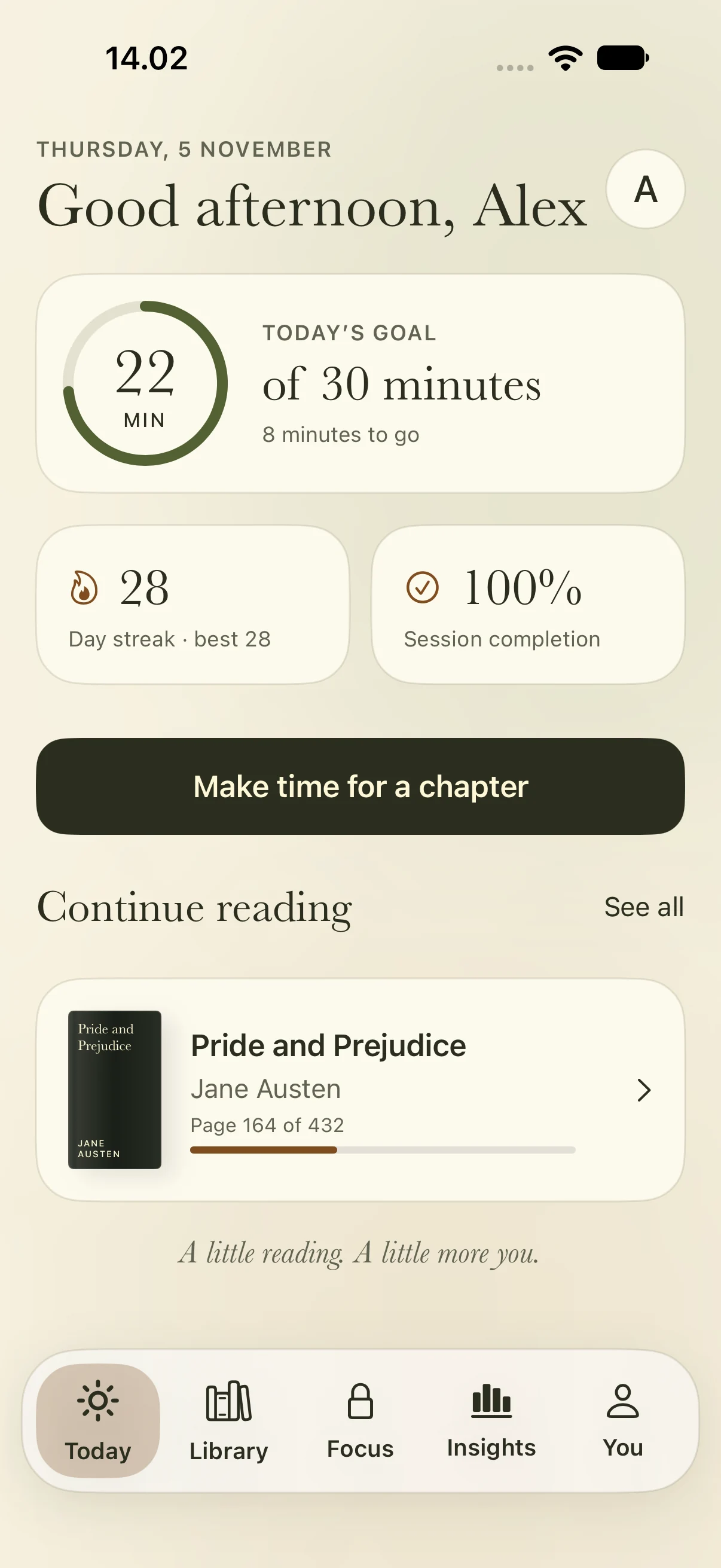
A book on your bedside table. A chapter on your commute. Lea helps you keep track of the stories you’re reading and make a little more space for them.
No account to set up. Your library and reading history stay on your device unless you choose to export them.
Find a book by title, scan its cover, or add it by hand. Keep your progress, notes and ratings together in your library.
Choose a daily goal, start a reading timer and log your pages. Optional reminders help you return when the time is right.
Set aside a reading session. With Lea Pro, add ambient sounds and block distractions while keeping your reading apps available.
Start free with up to three books, reading timers, goals, notes, ratings and local backups. Upgrade when you want more. No subscription.
Lea is a book tracker and reading companion. It does not sell or provide ebooks. Read your own books, and use Lea to keep your reading life together.
Lea’s free tier includes up to three books, book lookup and cover scanning, timers, daily goals, notes, ratings, basic progress and export/restore. Lea Pro is an optional one-time purchase through the App Store. The current local price is shown in the app before you buy.
Your library and history are stored locally on your device. Lea does not automatically sync them to the cloud. You can export a backup and restore it when needed. Book lookup and covers use Open Library; see the privacy policy for details.
Lea Pro can use Apple’s Screen Time features to block distractions on a supported iPhone or iPad after you give permission. You can allow your reading apps. Lea provides guidance for Apple’s Focus mode, which you configure yourself.
Visit Lea support or email support@leabooks.world. We can help with setup, book lookup, backups and purchase restoration.